


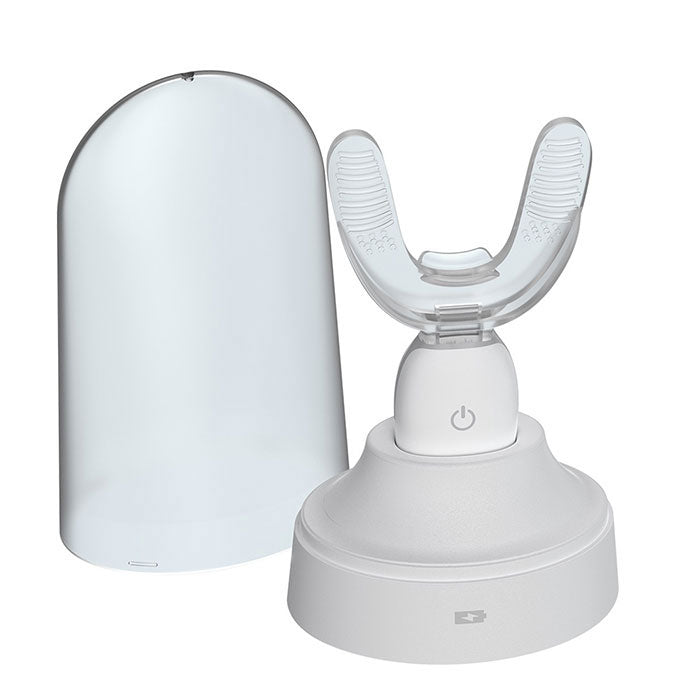
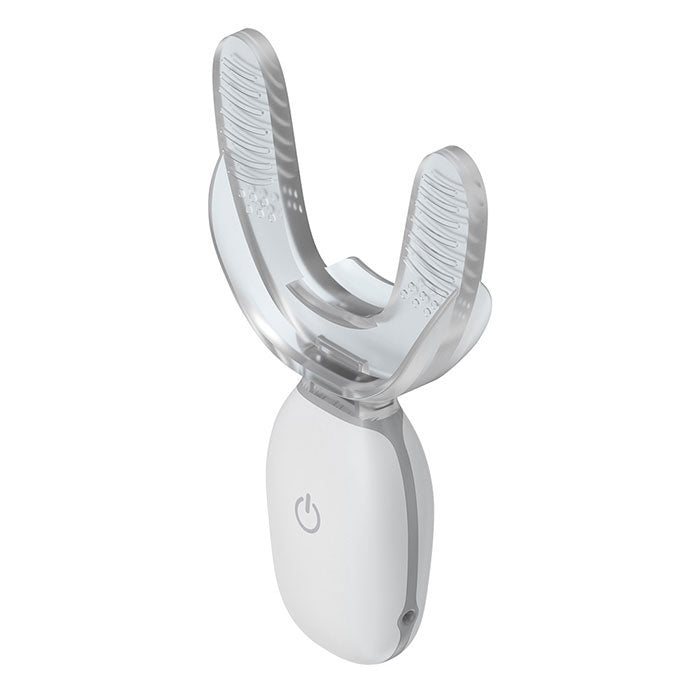
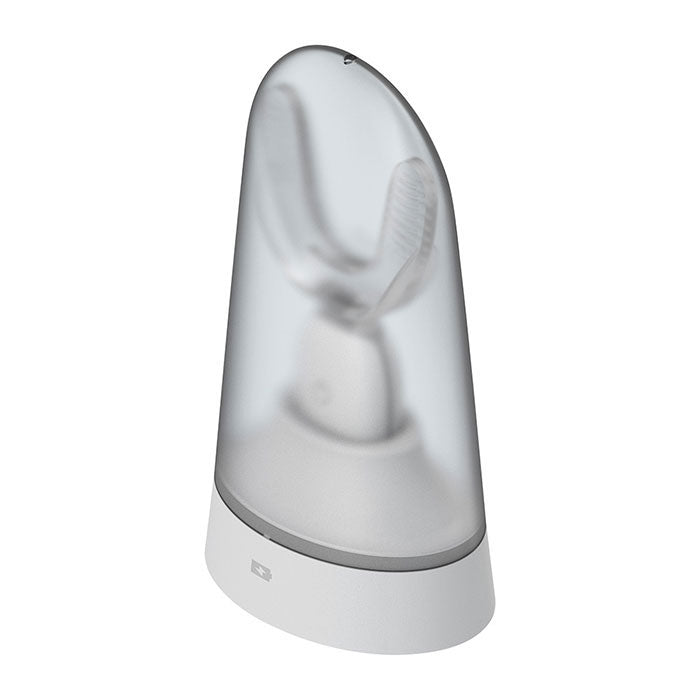
Orthodontic Accelerator Teeth Massager for Bracket
Orthodontic Accelerator Teeth Massager for Bracket
Ships in 1-6 business days For US customers. (We can't ship to PO Box address!)
Hurry up, only 6 items left in stock.
5%OFF Order Over $200
5%OFF Order Over $200
10%OFF Order Over $1000
10%OFF Order Over $1000
Free Standard Shipping for All Orders
Free Standard Shipping for All Orders
Shipping times: in 3-6 days
30-Day Return or Refund
30-Day Return or Refund
We allow customers to apply for return or refund, exchange within 30 days after the receipt of the goods. If 30 days have gone by since your receipt of the goods, unfortunately we can’t offer you a refund or exchange.
Couldn't load pickup availability
Your payment information is processed securely. We do not store credit card details nor have access to your credit card information.
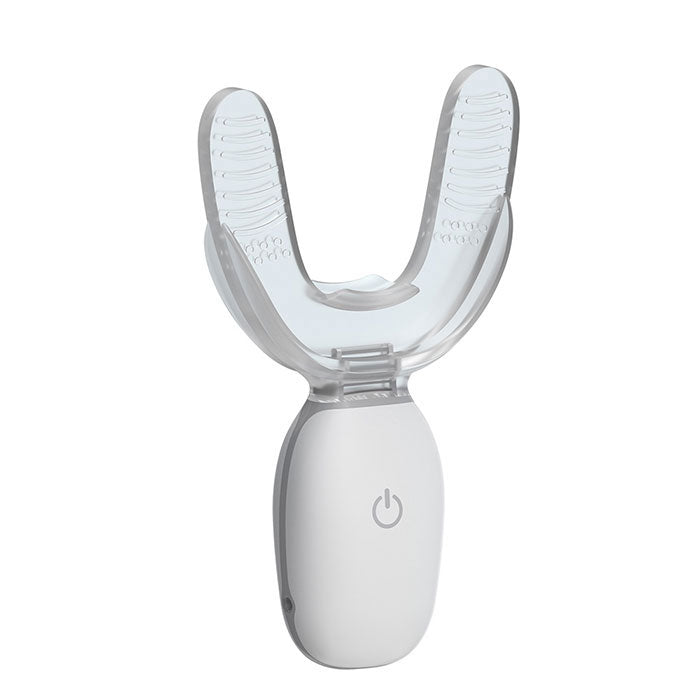
Dental Orthodontic Accelerator Teeth Massager for Bracket. It is designed for orthodontic crowd people. Effectively speed up orthodontic speed. Relieve orthodontic pain. Effectively improve comfort.
| Work Principle |
|
| Indications |
|
| Product Installation |
|
| Use Method |
|
| Important Tips |
|
| Specifications |
| Product color: | White |
| External charging interface: | USB (TYPE-C) |
| Mainframe charging time: | 2.5h |
| Mainframe charging power: | 0.4W |
| Base charging time: | 4.0h |
| Base charging power: | 4.0W |
| Mainframe continuation time: | full power available 5 times |
| Number of times the host is charged with the base: | the full power can charge the host more than 6 times |
| Number of times used per day: | 1 |
| Time for each use: | 20 minutes |
| Working frequency: | 30hz |
| Vibration intensity: | 0.25N |
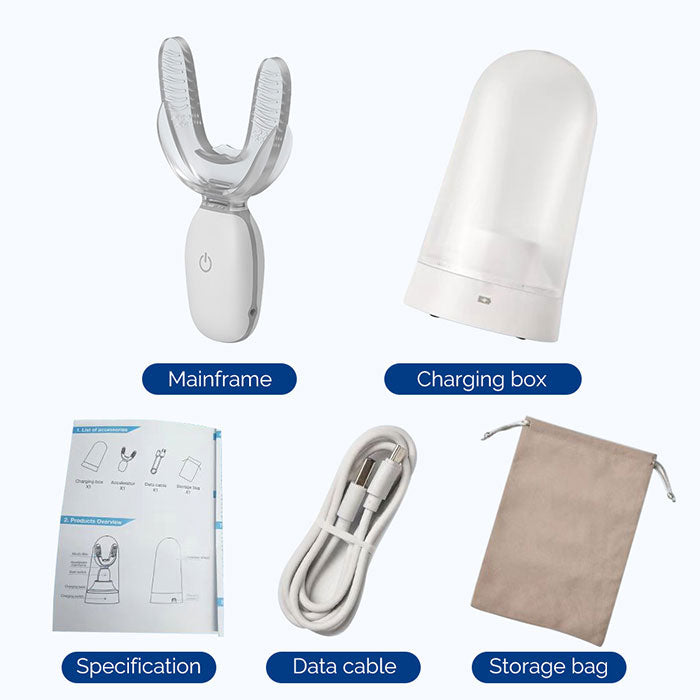
| Packing List |
| Mainframe: | 1 |
| Charging box: | 1 |
| Specification: | 1 |
| Date cable: | 1 |
| Storage bag: | 1 |


Clearance

Dental Chair Reflective LED Oral Light Dual-Color Lamp for Dental Chair Unit
Choose your option

Dental Implant Stability Meter Monitor Osseointegration
Choose your option
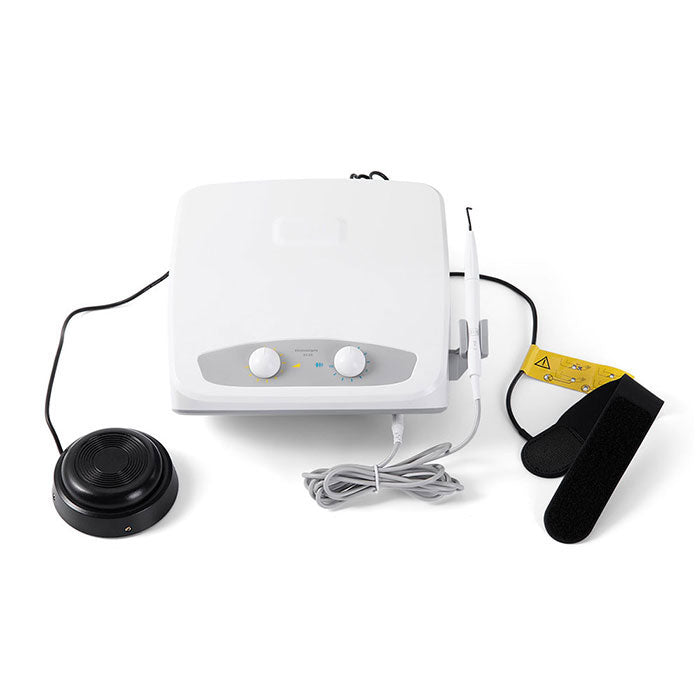
Dental Electrosurgical Unit Cutting Unit with 7 Electrodes NIB
Choose your option

Dental Bendable Micro Mouth Mirror with Handle Multifunction Checking Mirrors
Choose your option
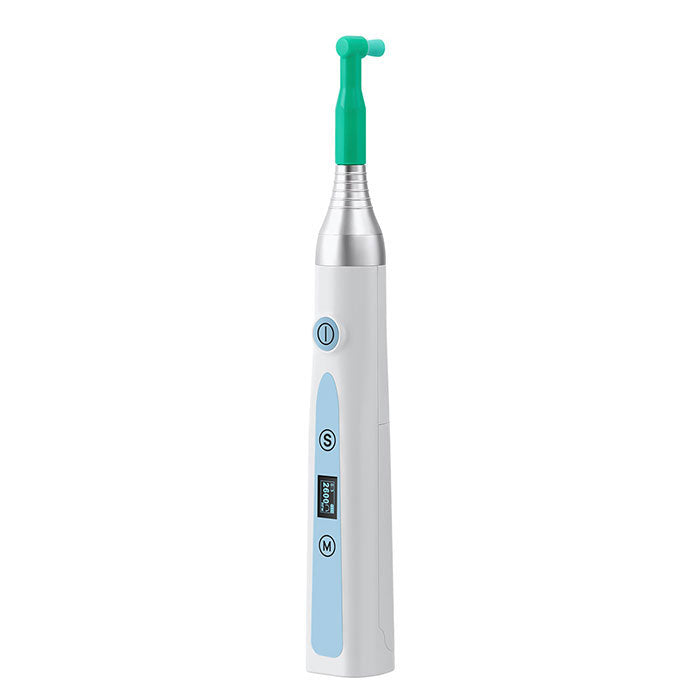
Dental Cordless Hygiene Prophy Handpiece 10 Speed Settings Prophy Angle 360° Rotating Nose Cone Detachable
Choose your option

AZDENT Dental Mini 16:1 Fiber Optic Contra Angle Low Speed Handpiece / Mini Fiber Optic Air Motor 6 Hole
Choose your option
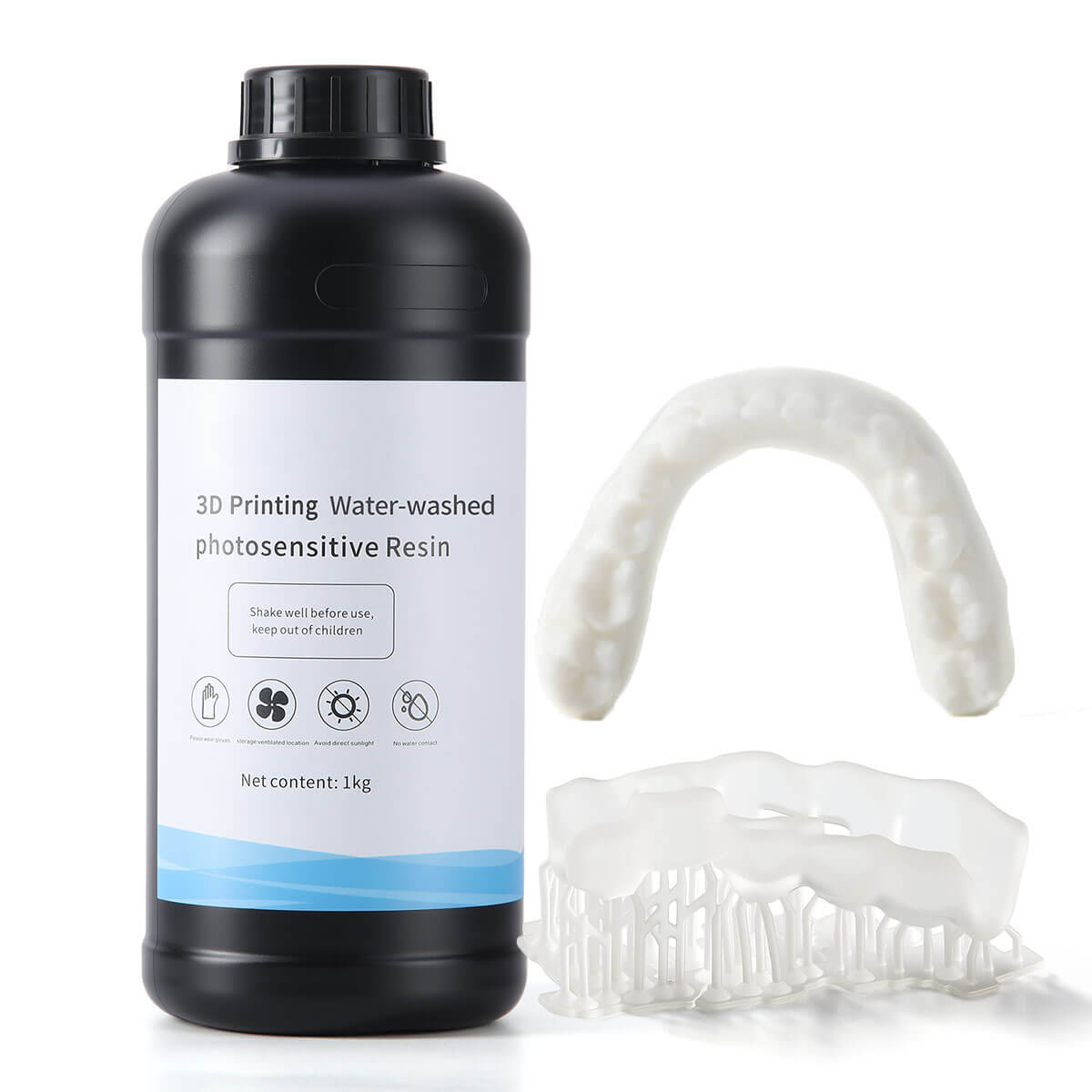
Dental 3D Printer Water Washable Resin Materials Transparent White 1KG/Bottle
Choose your option
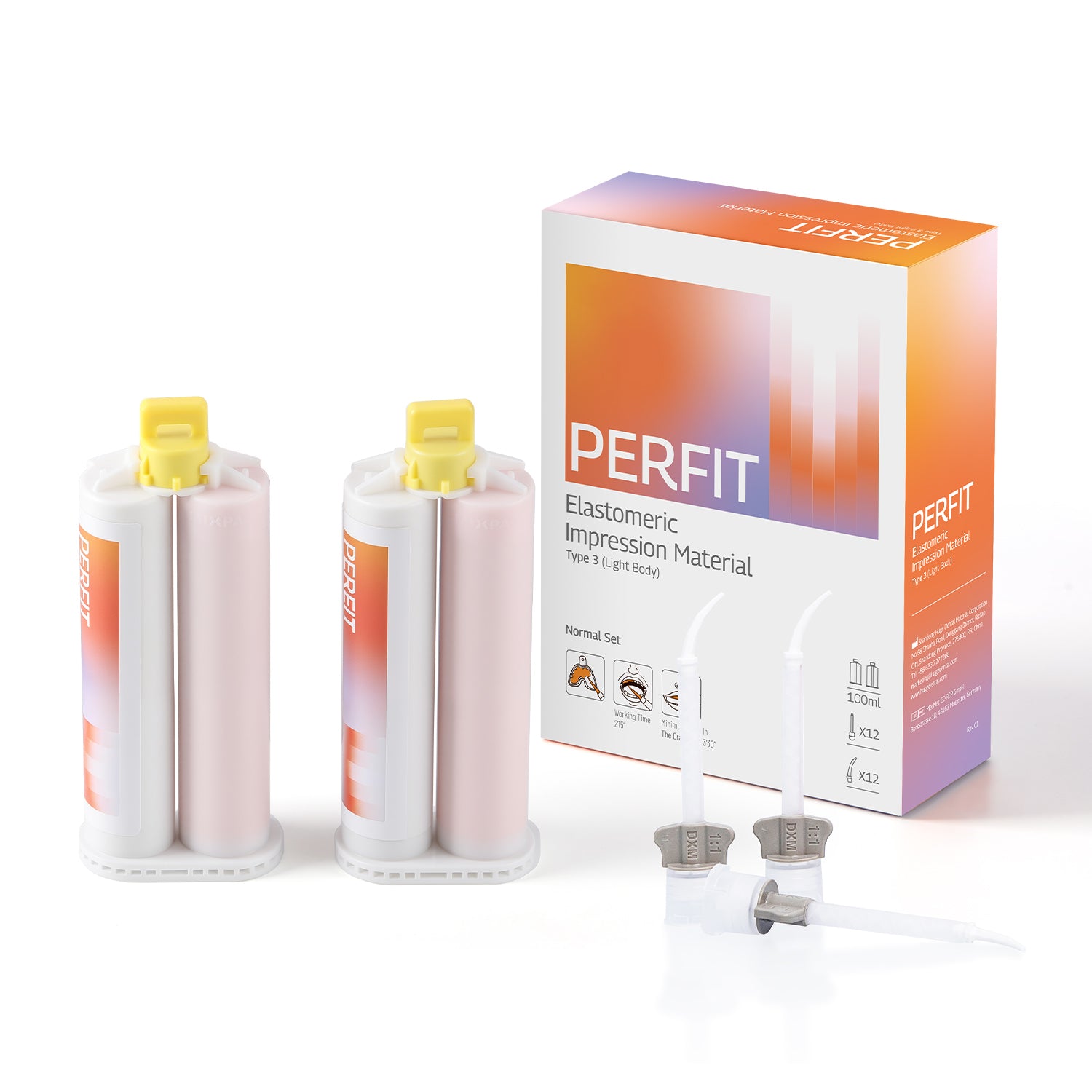
Dental Impression Material Light Body Normal/Fast Set
Choose your option

Dental Endodontic Apex Locator Root Canal Measuring Instruments 3.7' Screen
Choose your option
